
Quick answer
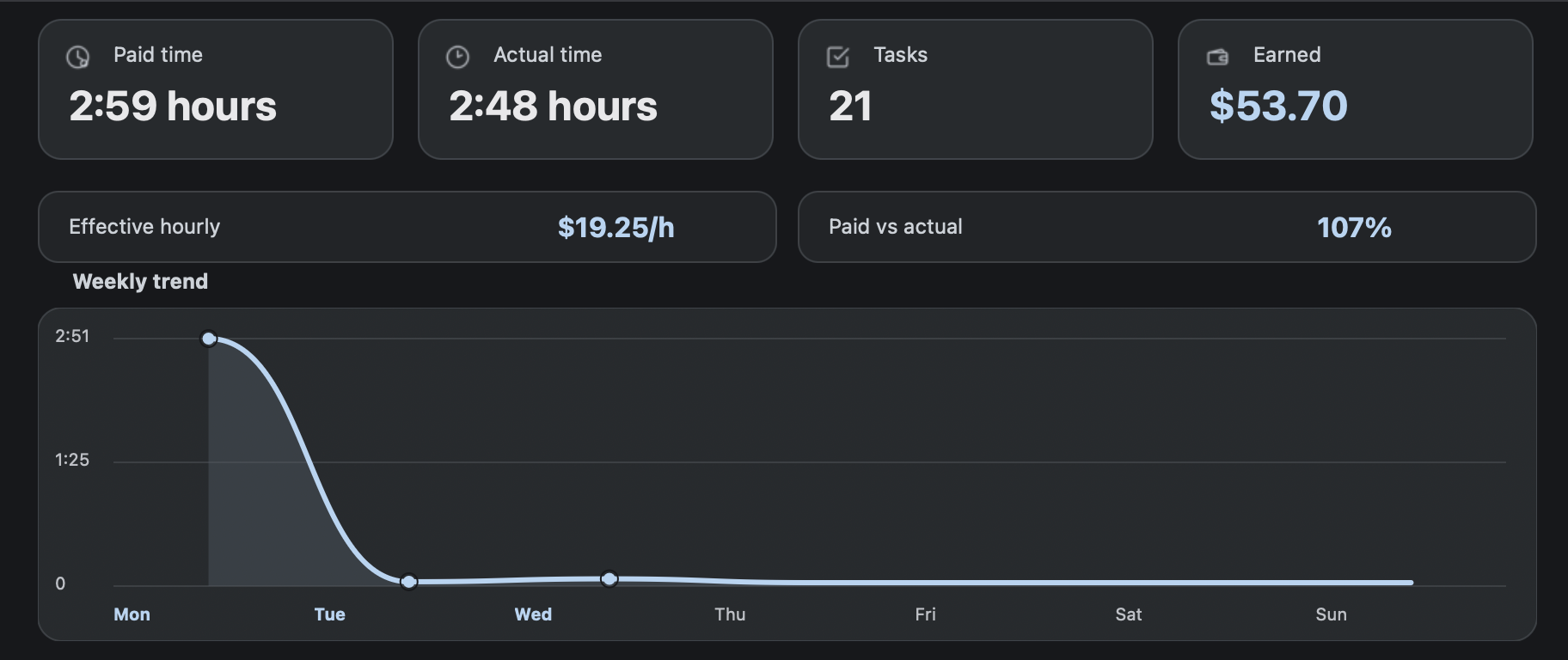
AET means Average Estimated Time. For RaterHub-style tracking, AET is useful only when it is paired with actual time. RH Monitor records the paid-time estimate and the elapsed working time separately so your history can show both pace and estimated value.
| Fit | Use this page to decide |
|---|---|
| Best for |
|
| Not for |
|
AET vs actual time calculator
Use this small calculator to see why paid time and actual time should stay separate. It uses the same planning formula as the guide: paid hours multiplied by hourly rate equals estimated earnings.
A strong AET definition
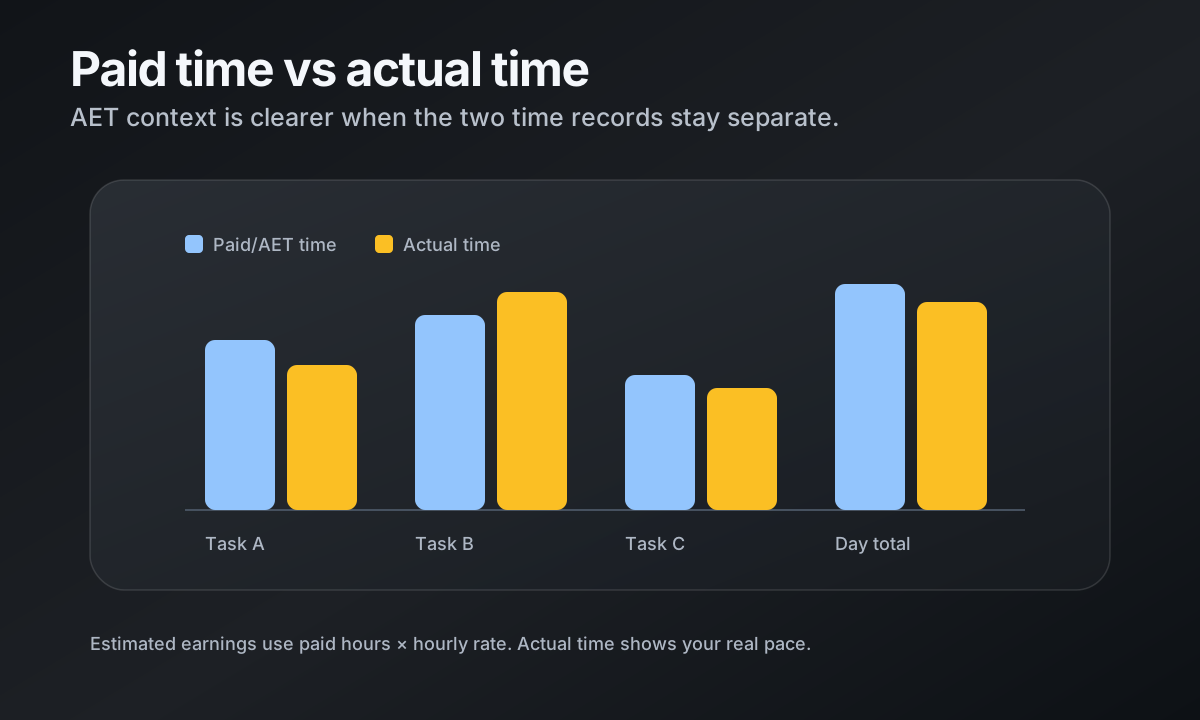
AET stands for Average Estimated Time. In practical record keeping, it is the time estimate associated with a task or task window. It is not the same as the time you personally spent, and it should not be treated as a perfect description of every individual task.
RH Monitor uses AET context to separate paid time from actual time. That separation keeps your records honest: one number describes the estimate used for totals, the other describes what happened on your clock.
Example: estimate, target, paid time, actual time, efficiency
If a task estimate is shown as 8–9 minutes, RH Monitor can use 8:00 as the task-ready target and 9 minutes as paid time. If you finish in 8:40, your actual time is 8 minutes and 40 seconds while the paid-time record remains 9 minutes.
That small difference compounds over a day. A tracker that mixes the two numbers together makes it harder to understand whether a session was fast, slow, or simply aligned with the estimate.
Formula: paid hours × hourly rate = estimated earnings
Estimated earnings are calculated from paid time, not from a promise of actual payout. The simple formula is paid hours multiplied by your saved hourly rate. For example, 2.5 paid hours at 19.25 USD/hour equals 48.13 USD estimated earnings.
Treat this as your private planning number. Your official pay process and work platform remain the source of truth.
Weekly review checklist
Once a week, review four things: total task count, total paid time, total actual time, and sessions that look unusual. If one day has a large gap between paid and actual time, check whether your local history needs an edit or note.
A weekly review is also where CSV export helps. You can keep a monthly copy, reconcile with your own spreadsheet, and avoid trying to reconstruct sessions from memory.
Comparison and decision table
| Estimate shown | Target used | Paid time recorded | Actual time example | Efficiency read |
|---|---|---|---|---|
| 8–9 min | 8:00 | 9 min | 8:40 | Comfortably inside the paid-time window. |
| 5–6 min | 5:00 | 6 min | 7:10 | Actual time ran longer than the paid estimate. |
| 10 min | 10:00 | 10 min | 9:35 | Actual time was slightly under the estimate. |
| 12–15 min | 12:00 | 15 min | 14:20 | Useful to separate target warning from paid total. |
Trust signals and source of truth
RH Monitor’s SEO guides are written from the product’s actual feature boundary: private Mac menu bar status, local Tracker Pro history, paid vs actual time, earnings, CSV export, and no task-content storage.
FAQ
What is AET?
AET means Average Estimated Time. It is an estimate used for timing context, not the same thing as your exact personal working time.
Why track paid time and actual time separately?
Paid time helps with totals and estimated earnings. Actual time shows your real pace. Combining them hides useful information.
Are RH Monitor earnings exact pay statements?
No. Earnings are estimates based on your saved hourly rate, currency, and paid-time records.
Can I export paid vs actual time?
Yes. Tracker Pro includes CSV export for your local history.
Does RH Monitor change the task timer on RaterHub?
No. RH Monitor keeps a private companion record and does not change task content or perform task actions.