Quick answer
If you searched for RaterHub No Tasks Available, the most important answer is that NTA usually means the task queue is empty for you at that moment. It does not automatically prove an account problem, and a tracker cannot make more tasks appear.
| Fit | Use this page to decide |
|---|---|
| Best for |
|
| Not for |
|
NTA visual: what it means and does not mean
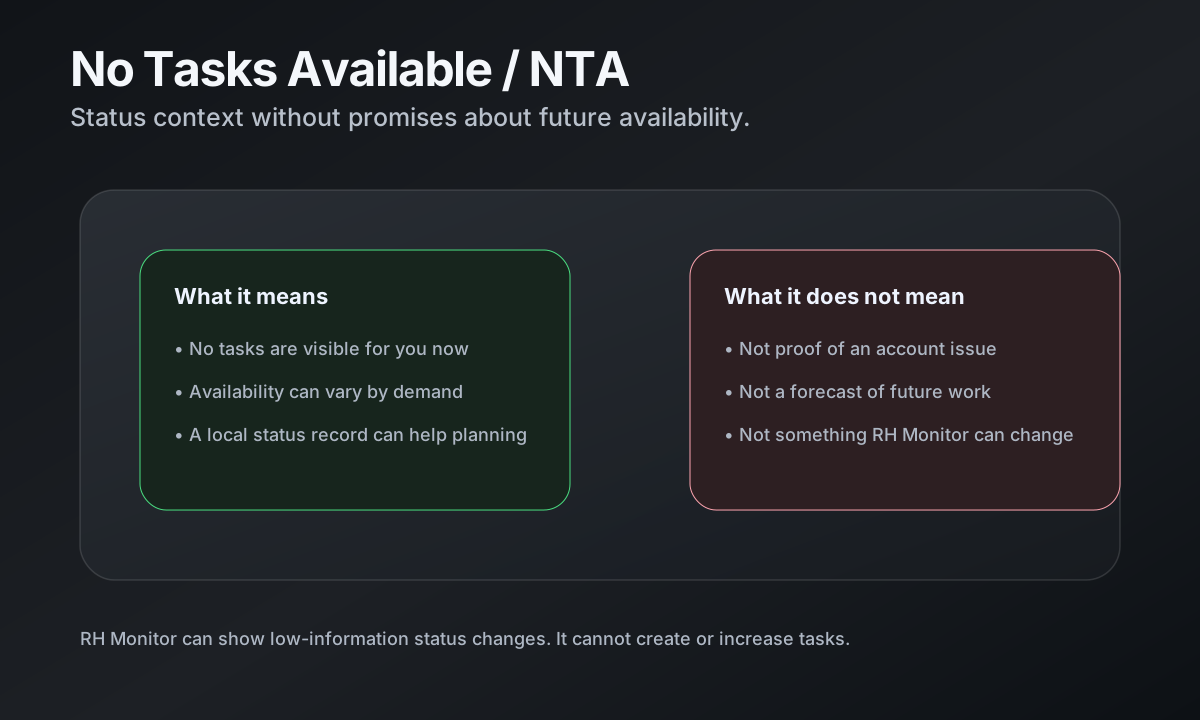
No Tasks Available is easiest to understand as a status, not a diagnosis. The card below shows the safe interpretation RH Monitor uses in product copy and notifications.
What NTA means
No Tasks Available means the work page is not currently showing available tasks for you. Task availability can vary by demand, locale, day, season, and timing. A quiet period can be normal, especially if demand is low or you are checking outside a busy window.
For your own planning, NTA is useful as a status record: when did you check, how often did the state change, and how much of the day was actually spent working versus waiting?
What NTA does not mean
NTA does not automatically mean your account is blocked, your setup is broken, or that anything is wrong with your work. It also does not mean a companion app can change the queue.
This distinction matters for safe product copy. RH Monitor can help you observe status and keep a local history, but it does not influence availability, scheduling, or access.
Can RH Monitor show status changes safely?
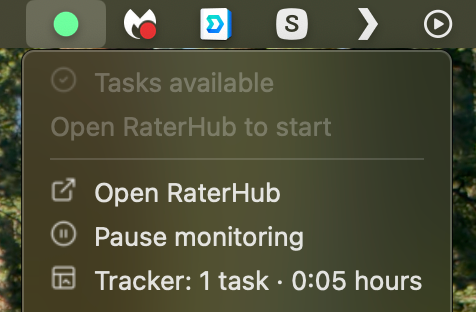
Yes. RH Monitor can show a menu bar status dot and optional notifications that stay deliberately low-information. The status surface can distinguish availability, no tasks, logout, and sleep states without sending task text or screenshots.
External notifications, when enabled, are limited to simple states like YES, NO, LOGOUT, and SLEEP. Local sounds can also alert you when the state changes to available, but they do not repeat endlessly on every check.
How to use NTA history without over-reading it
A private status record can help with planning. For example, if your own history shows several quiet periods around the same time of day, you may decide when to keep the app open and when to do something else.
Do not treat a small local history as a prediction engine. It is a personal record, not a guarantee of future availability and not a substitute for official guidance from your work provider.
Comparison and decision table
| Question | Safe answer | RH Monitor role |
|---|---|---|
| Does NTA mean there are no tasks for everyone? | Not necessarily. Availability can differ by account, locale, project, and timing. | Shows your local observed status. |
| Can a tracker create more tasks? | No. A tracker cannot influence availability. | Does not claim to create or increase tasks. |
| Can I get a low-information alert? | Yes, if you enable notifications. | Uses simple status labels, not task content. |
| Should I contact support for persistent NTA? | Use your official work/support channel if needed. | Keeps your own records for context. |
Trust signals and source of truth
RH Monitor’s SEO guides are written from the product’s actual feature boundary: private Mac menu bar status, local Tracker Pro history, paid vs actual time, earnings, CSV export, and no task-content storage.
FAQ
What does No Tasks Available mean?
It means the work page is not currently showing available tasks for you. It can happen for normal demand and timing reasons.
Does NTA mean my account is blocked?
Not necessarily. NTA by itself is not proof of an account issue. Use your official support channel for account-specific questions.
Can RH Monitor get more tasks?
No. RH Monitor cannot create, reserve, increase, or influence task availability.
Can RH Monitor show status changes?
Yes. It can show local status and optional low-information notifications without sending task content.
Does RH Monitor store task text while checking NTA?
No. The status feature is built around availability state, not task content.